
Quick answer
SEO for dentists helps eligible practices improve their visibility when local patients search for a dentist or a treatment. The essentials are: a complete, verified Google Business Profile; a fast, mobile-friendly website with one page per treatment; a steady flow of genuine Google reviews; identical contact details across the web; and tracking of calls and bookings, not just traffic. The 30-point checklist below covers each step.

Many patients start looking for a dentist online: they search, check the map results, read a few reviews and tap “Call”. SEO for dentists helps patients find your practice, understand your services and contact you.
Running a dental practice? Check my website for free →
I’m a dentist, and I also write and optimise content for dental practices. This SEO for dentists checklist is the one I use when I review a practice’s online presence. It has 30 points grouped into seven practical areas: start with the gaps that matter most to your practice.
You can check many of these points yourself. Give technical tasks to your web or marketing team, and agree who will implement each change.
Table of Contents
Quick start: if you only do five things this month
- Complete and verify your Google Business Profile.
- Invite honest Google reviews through a consistent process, using a direct link.
- Give each major treatment its own page on your website.
- Make sure your site loads fast on a phone.
- Keep your name, address and phone number identical everywhere online.
Free download
Want the full 40-point version as a printable PDF?
It adds a 90-day plan, review templates and a monthly results tracker.
Get the free checklist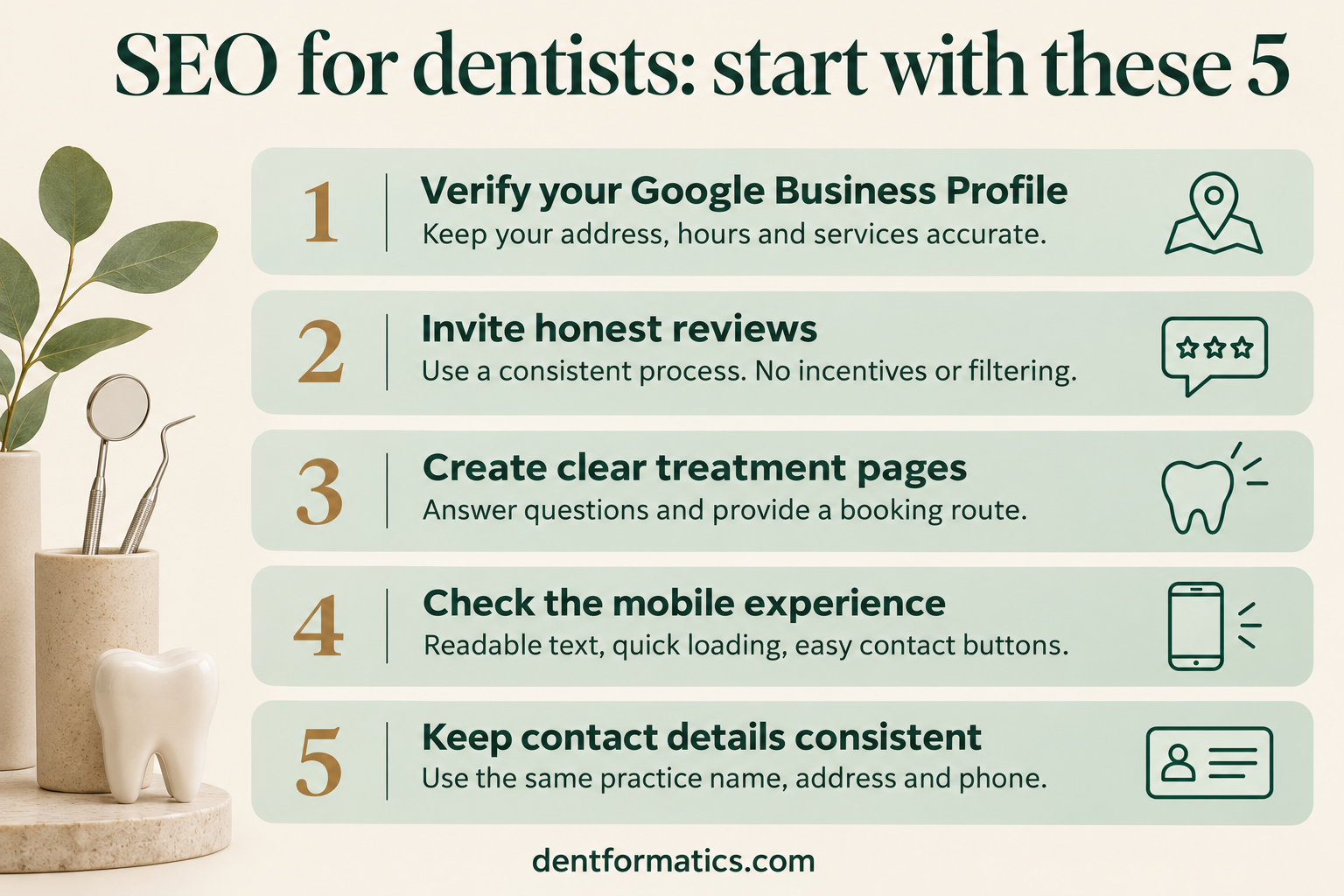
1. Google Business Profile (local SEO for dentists starts here)
Your Business Profile powers the map results, which often appear above the ordinary website results for searches like “dentist near me”. For a closer look at ranking factors and practical profile improvements, read this guide to local SEO for dentists.
- Claim and verify your profile. Verify that you are authorised to manage the practice, then check its details regularly. Google recommends verification and complete, accurate information.
- Choose “Dentist” as your primary category. Add accurate secondary categories, such as “Cosmetic dentist”, “Pediatric dentist” or “Emergency dental service”, only where they reflect what you actually offer.
- Use your real practice name. Adding keywords (“Smile Dental – Best Implants City”) breaks Google’s Business Profile guidelines and can get the profile suspended.
- List every service. Add a short description for each treatment, plus your appointment link and correct hours, including holiday hours.
- Add real photos. Show your exterior and entrance (so patients can find you), reception, treatment rooms and team. Skip stock images.
- Post an update twice a month. Share a new service, a team member or an oral-health tip. Regular posts show the profile is actively managed.
2. Website foundations
- Mobile first. Check every important page on your own phone: text readable, buttons easy to tap, nothing cut off.
- Pass Core Web Vitals. Aim for Largest Contentful Paint under 2.5 seconds, Interaction to Next Paint under 200 ms and Cumulative Layout Shift under 0.1. Test free at PageSpeed Insights.
- Use HTTPS. HTTPS encrypts the connection between the browser and your website. Check that pages load securely without browser warnings.
- Make contacting you easy. Put a click-to-call phone number and a “Book an appointment” button at the top of every page.
- Write a unique title and meta description for each page. Include the treatment and location, e.g. “Dental Implants in Rawalpindi | Smile Dental Clinic”.
- Add Dentist schema markup. This structured data tells Google your practice name, address, hours and phone in a format it reads directly. Most SEO plugins (Rank Math, Yoast) can add it.
3. Treatment pages
- One page per major treatment. Implants, Invisalign or aligners, root canal treatment, whitening, veneers, children’s dentistry and emergency care each need their own page. A general services overview can link to these more detailed pages.
- Answer what patients actually ask. Does it hurt? How long does it take? How much does it cost (or what affects the cost)? How long will it last? What happens afterwards?
- Show the process. Walk through consultation, treatment and aftercare in plain language. Clear expectations can help anxious patients make an informed choice.
- Link each page to booking. End every treatment page with a clear next step: call, book or send a question.
4. Content and trust (where a dentist has the advantage)
Google treats health content as “Your Money or Your Life” and expects clear Experience, Expertise, Authoritativeness and Trust (E-E-A-T). Clinical authorship, accurate information and clear review processes help readers assess that trust.
- Show who wrote or reviewed each page. Add the dentist’s name, qualifications and a short bio, plus a “clinically reviewed on [date]” line.
- Be clinically accurate and cite sources. Link to trusted bodies such as the American Dental Association, the NHS or peer-reviewed research when you make a clinical claim.
- Follow your regulator’s advertising rules. Avoid guaranteed outcomes and unverifiable superlatives (“painless”, “best in the city”). Check the rules of your licensing body, for example the General Dental Council in the UK or your state dental board in the US.
- Publish patient-friendly articles. Answer real questions you hear in the chair: “Is a cracked tooth an emergency?”, “How long does numbness last after a filling?”. Clear, direct answers make the page more useful; inclusion in search features is not guaranteed.
- Update older pages yearly. Refresh prices, techniques and review dates so content stays accurate and current.
5. Reviews
- Invite honest feedback consistently. Send a direct review link by SMS or email after the appointment. Ask in person, too.
- Never offer incentives or filter who gets asked. Discounts for reviews and asking only happy patients both break Google’s review policies.
- Reply to every review. Thank positive reviewers; respond calmly and briefly to negative ones and offer to talk offline.
- Protect patient privacy in replies. Never confirm that someone is your patient or mention their treatment. Keep replies general and offer a private contact route when someone raises a concern.
6. Citations and links
- Keep your name, address and phone (NAP) identical everywhere. Check your website, Google, Apple Business Connect, Bing Places, Facebook and health directories (e.g. Healthgrades or Zocdoc in the US, the NHS service finder in the UK).
- Earn local links. Share useful local resources, give an oral-health talk or contribute relevant expert comments to local news. Mark paid or sponsored links appropriately; do not buy links intended to manipulate rankings.
- Avoid paid link schemes. Cheap “1,000 backlinks” packages can trigger penalties. A handful of genuine local links is worth more.
7. Measuring SEO for dentists
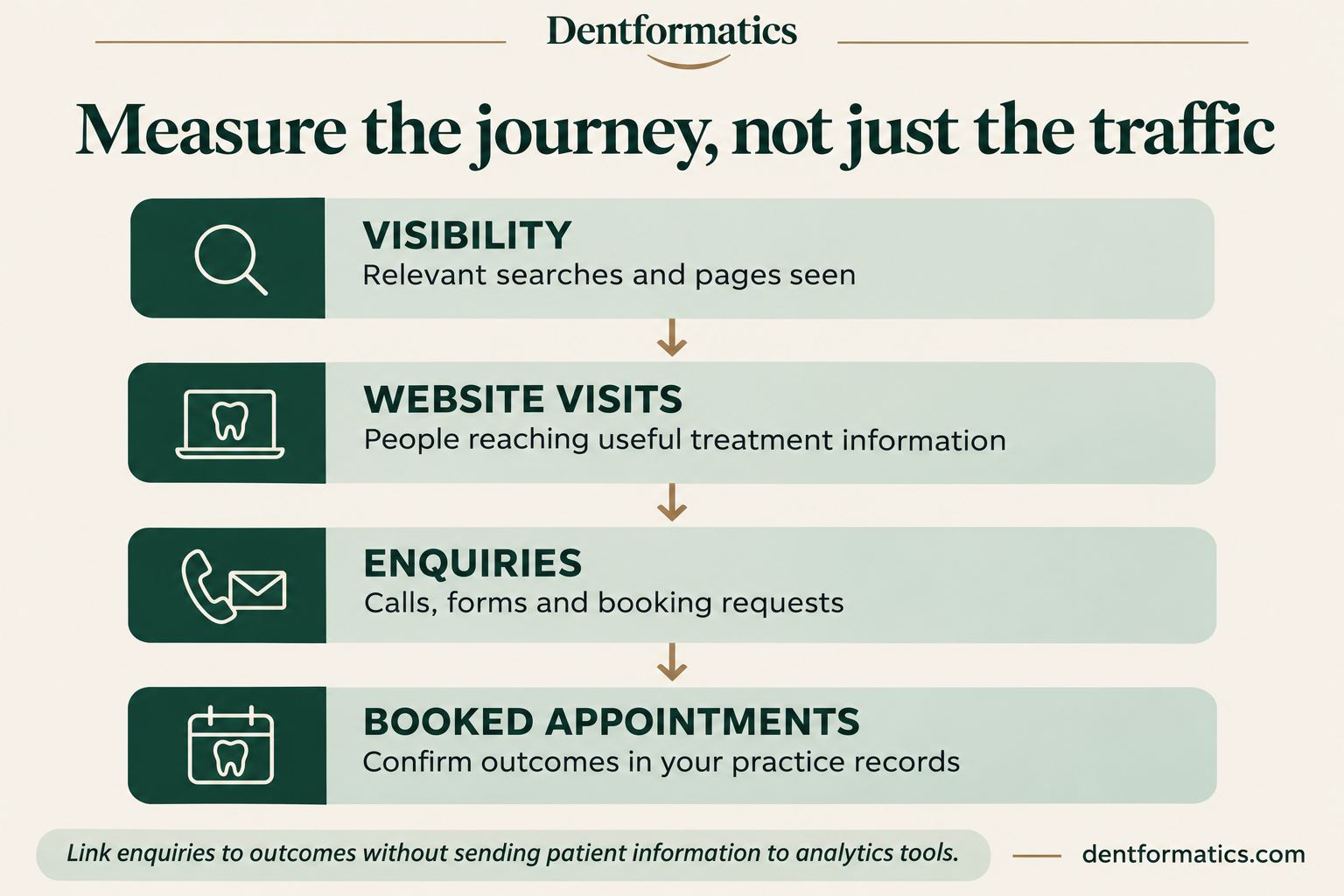
- Set up Google Search Console and Google Analytics 4. Search Console shows which searches find you; GA4 shows what visitors do. Submit your sitemap in Search Console.
- Measure patients, not just traffic. Track calls, form enquiries and bookings from your website and Business Profile each month. Check which enquiries lead to booked appointments in your practice records. Keep patient names, clinical information and other sensitive details out of analytics tools.
Free download
Want the full 40-point version as a printable PDF?
It adds a 90-day plan, review templates and a monthly results tracker.
Get the free checklistFrequently asked questions
How long does SEO take for a dental practice?
There is no fixed timetable. It can take weeks or months for changes to be reflected in search, and results depend on the starting website, competition and the work completed. Set a baseline, review progress regularly and avoid providers promising guaranteed rankings.
Is local SEO different from regular SEO?
Yes. Local SEO for dentists focuses on the map results and “near me” searches: your Business Profile, reviews and consistent contact details. Regular SEO focuses on your website ranking for treatment and information searches. A practice needs both.
Can I do dental SEO myself?
Much of it, yes. You can manage many profile, review and contact-detail checks yourself. Analytics setup and some other tasks may need technical support. Schema markup, site speed and writing in-depth treatment pages are where outside help usually saves time. If you are comparing DIY with paid support, see this guide to dental SEO scope and costs.
Should I pay for Google Ads instead?
Ads can generate visibility while a paid campaign runs, but enquiries and costs vary. SEO focuses on organic visibility and usually needs continuing work. Choose a mix based on your goals and budget; paying for ads does not improve organic rankings.
Want a dentist to check your practice’s SEO?
I review dental websites and Business Profiles against this checklist and send back a prioritised list of fixes, written by someone who understands both the dentistry and the search side. See my dental SEO services or send me a short enquiry.
If your treatment pages need rewriting, see dental content writing; if the site itself is slow or dated, see dental website design.
Written by Dr. Mehmood Asghar, BDS, PhD, dentist and dental content and SEO specialist.